The "drum cleaning" icon appears on the washing machine display
Issue
- The "drum cleaning" icon appears on the washing machine display
- How to clean the washing machine drum?
Applies to
- Front-loading washing machine (integrated and freestanding)
- Top-loading washing machine
Resolution
Occasionally, at the end of a cycle, the display may show the icon:  this is a recommendation to run the ‘drum cleaning’ cycle.
Once the drum cleaning cycle (Cotton 90°C) has been completed, the icon disappears.
Carry out a maintenance wash using a washing machine cleaner:
- Run a Cotton programme at the highest possible temperature with an empty drum and a small quantity of powder or special cleaning detergent; if available, run the Machine Clean programme.
Visit our Webshop for recommended cleaning and maintenance products.
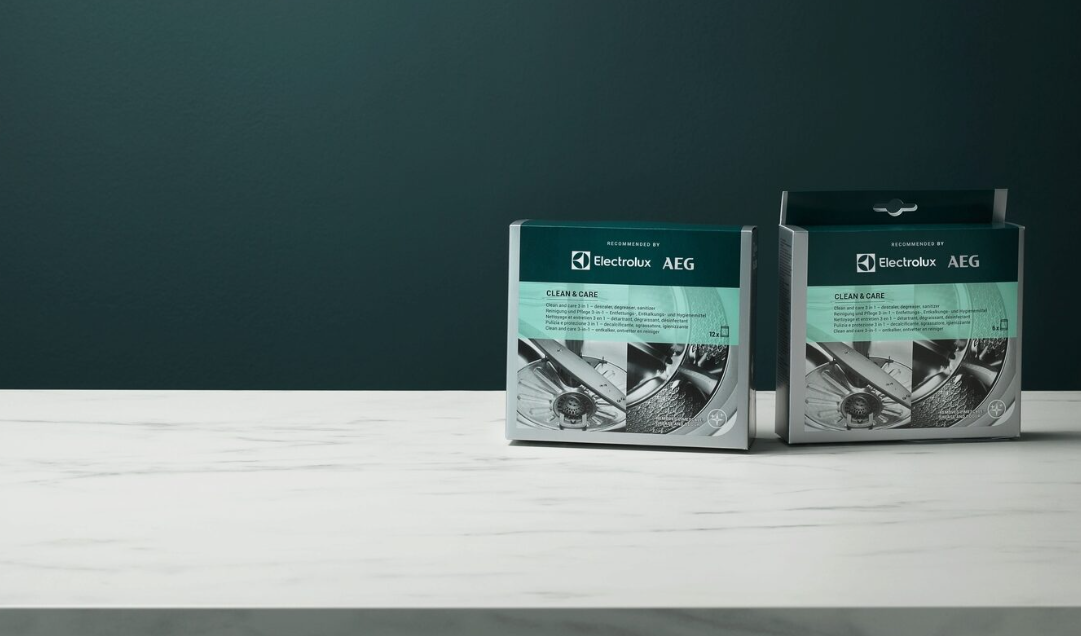
Washing Machine and Dishwasher Clean and Care - 3 in 1
Keep your appliances performing at their best.
We want to help you keep your appliance performing at its best, which is why we recommend Clean & Care 3 in 1. It removes grease and limescale with powerful descaling action to keep your dishwasher and washing machine clean.
For washer-dryers, always run a drying cycle once a month.
Cause
- Repeated and prolonged use of low-temperature programmes can lead to detergent deposits, fluff residues and bacterial growth inside the drum and tub.
- This could cause unpleasant odours and mould. To remove these deposits and clean the inside of the appliance, run a maintenance wash regularly (at least once a month).
Was this article helpful?
Related Articles
- Washing Machine Not Working or Not Turning On – Troubleshooting Guide
- Why Do White Clothes Turn Grey After Washing? Causes & Easy Fixes
- Fabric conditioner does not dissolve in my washing machine
- Opening washing machine's door at the beginning of wash cycle
- Laundry is stiff or hard after washing in washing machine
- Washing machine displays padlock - Electrolux
- Electrolux Washing Machine Displays an Error Code – causes and solutions
- The washing cycle is longer / shorter than it says on the display
- Washing Machine Not Draining Water – Error Code E20 or E21
- Washing machine does not take detergents / water remains in the fabric softener compartment
Related Articles
- Washing Machine Not Working or Not Turning On – Troubleshooting Guide
- Why Do White Clothes Turn Grey After Washing? Causes & Easy Fixes
- Fabric conditioner does not dissolve in my washing machine
- Opening washing machine's door at the beginning of wash cycle
- Laundry is stiff or hard after washing in washing machine
- Washing machine displays padlock - Electrolux
- Electrolux Washing Machine Displays an Error Code – causes and solutions
- The washing cycle is longer / shorter than it says on the display
- Washing Machine Not Draining Water – Error Code E20 or E21
- Washing machine does not take detergents / water remains in the fabric softener compartment